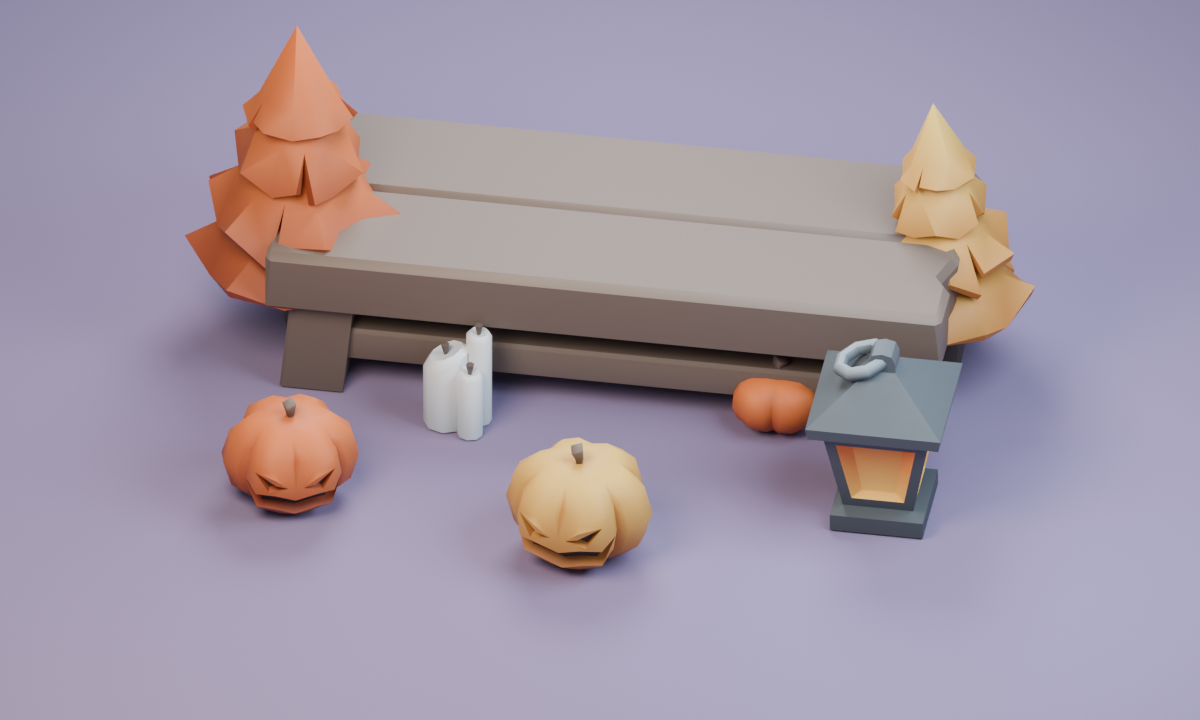
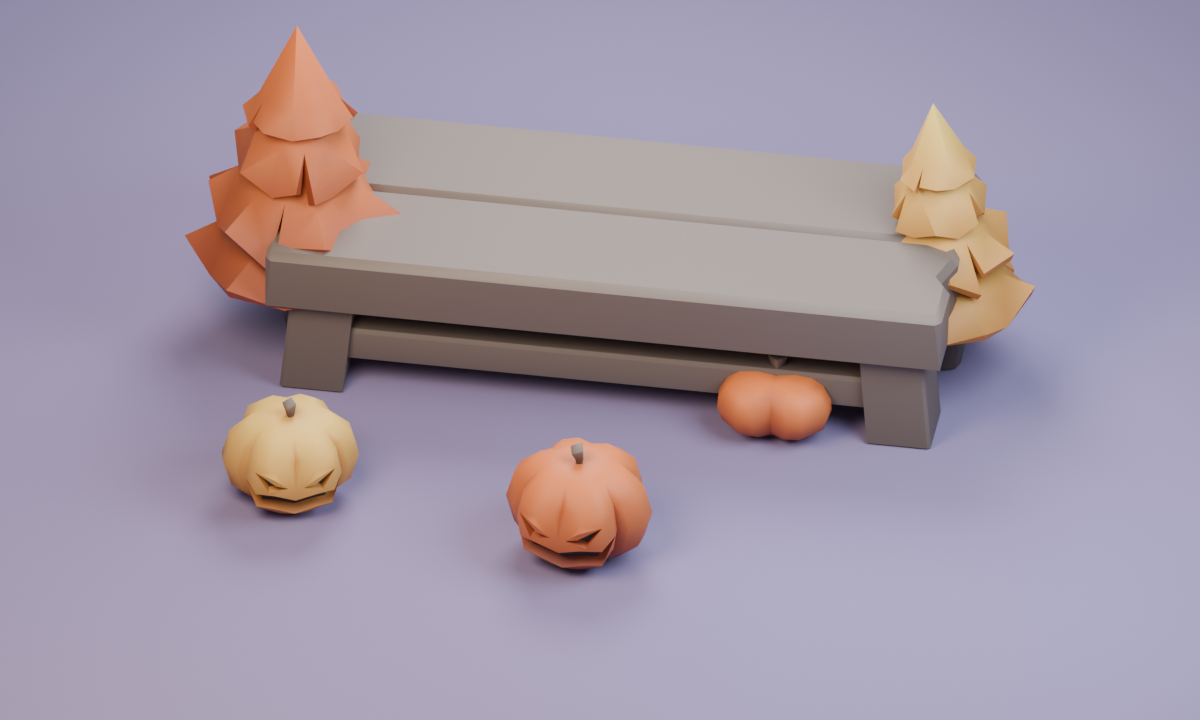
Halloween spot-the-difference pictures
Explore the pumpkin patch, lantern evening, garden gate, autumn picnic, woodland trail and candle courtyard. Compare pumpkins, candles and lanterns. There are no jump scares or horror scenes. Each pair has five deliberately placed changes. You can choose any of the six puzzles from the start.
How to play
Compare Picture A and Picture B. Tap or click a change in either picture; the game marks it in both and adds it to your found list. A wrong choice keeps everything you have found. There is no countdown, score penalty or limit on attempts.
On a small screen, choose Focus one picture and switch between A and B at the same size. Show both returns to the two-picture view. Show a clue outlines one change without finding it for you.
Keyboard controls
Tab to a picture, use the arrow keys to move through its twelve search areas, then press Enter or Space to check. Home and End move to the first and last areas. If an area contains more than one change, check it again. The focus outline shows which area you are searching.
Save progress and earn picture stickers
Finding all five changes earns that scene’s sticker in your sticker book. Each scene has its own sticker. Replaying a completed picture keeps the sticker you earned. Your chosen scene and found changes save on this browser and device when browser storage is available.
Use the game’s favourite control to save it, then return through Your games on the homepage. A different browser or cleared browser storage starts with fresh puzzle progress. Changing between scenes keeps each scene’s found changes.
Choose another seasonal game
Match friendly Halloween pairs, make a pumpkin lantern, or browse the Halloween collection.
Try the other season’s Christmas spot-the-difference game for six different picture pairs.
Artwork credits
Scene models by Kay Lousberg, used under CC0. The picture pairs are composed for these puzzles.