Strictly necessary cookies (auth, payment, your active child) load automatically. Analytics cookies - anonymous, just to help us spot bugs and improve the product - are off until you say yes. Read more.
Your choices are saved on this device. Music pauses while you play a game.
For families, teachers and SEND tutors
A little play. A moment together.
Three free activities to introduce without a long setup. Choose one that interests the player, demonstrate if useful, and leave room for their own decisions.
No account or downloads are needed to play. The optional PDF is for printing or sharing.
Before you begin
Let the player choose. Offer two activities, pictures or themes. Playing, watching, pausing and stopping are all valid choices.
Check the input and sound. Try the device together. Open grown-up controls for shared preferences; games such as Pop It and Light the Night also have their own sound options.
Start with one activity. There is no required session length. Keep the next step optional, and save a favourite when you find something you want to revisit.
Choose your first activity
Tap or click · silent · no timer
One little pop
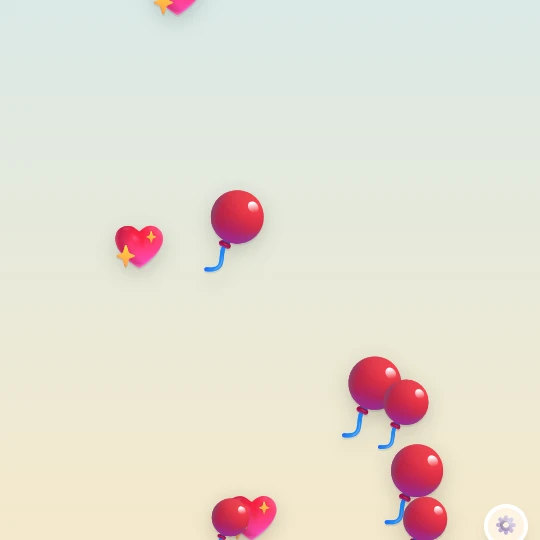
Balloons float up; touching one makes it burst. Missing one does not lose anything.
Try together: Let one player choose a balloon and the other pop it. Swap roles when you both want to.
Ten pops altogether earn the first sticker. The total carries across visits on this device.
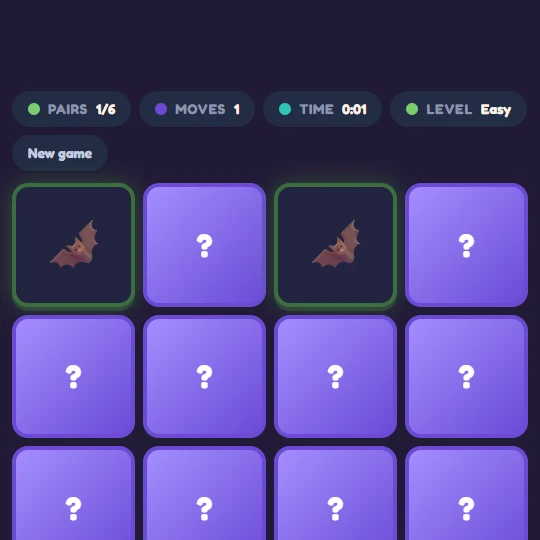
Short, captioned recordings of actual gameplay. These previews are silent and play only when you press Play. Each activity has a direct play link and an optional link to share.
Tap a game’s star to save it in favourites on the homepage. For a connected sequence, choose a three-stop play adventure: goals come from actual stickers, and earned stickers count if you played before. The garden keeps its own adventure save.
Prepared by Fun Games Now · October 2026. Device storage can be cleared by browser settings; a favourite is not a saved game state. Artist credits remain on the corresponding game pages.
Make a path of little lights.
Choose four lantern colours and place them along the woodland path. Light them together to make the woodland yours.